

A good chatbot can increase your conversions by 20-67% and recover abandoned carts in real time. It answers questions instantly, qualifies leads, recommends products, and guides visitors to buy — all while you sleep.
If your WordPress site gets traffic but few sales, the problem is often friction. Visitors leave with questions unanswered. A smart chatbot fixes that. Here’s exactly how it works and why it pays for itself fast.
What Is a Website Chatbot in 2026?
A website chatbot is an AI-powered conversation tool that pops up on your site to talk with visitors like a helpful salesperson or support agent. Modern ones mix rule-based flows for accuracy with powerful AI (like GPT models) for natural chat.
On WordPress, the best ones feel native — fast, customizable, and deeply connected to your store or content.
Why Most Websites Lose 96-97% of Visitors
Average e-commerce conversion rates hover around 3%. That means 97 out of 100 visitors leave without buying. They get confused, have questions, or hit small roadblocks.
A chatbot steps in at the exact moment of hesitation and turns browsers into buyers.
How Chatbots Turn Visitors into Customers: The Numbers
Real results from 2025-2026 data:
- AI chat users convert at 12.3% vs 3.1% for non-users — a 4x lift.
- Businesses report average sales increases of 67% with chatbots.
- Chatbot-powered funnels convert 2.4x more than static forms.
- Cart abandonment drops by 20-30% with real-time help.
These aren’t hype numbers. They come from stores that implemented chatbots properly.
1. Instant Answers = Less Bounce, More Trust
Visitors hate waiting. A chatbot answers sizing questions, shipping details, or pricing in seconds.
Result: Higher trust and fewer exits.
2. Smart Product Recommendations That Actually Sell
Good chatbots don’t just answer — they suggest.
Ask “Show me red running shoes under $80” and it displays products with stock, prices, and add-to-cart buttons. This pushes average order value up by 15-50%.
3. Abandoned Cart Recovery in Real Time
Most abandonment happens during checkout. A chatbot can:
- Offer a discount code
- Answer last-minute questions
- Reassure on returns
- Even negotiate prices in some cases
Many stores recover 23-30% of lost carts this way.
4. Lead Capture Without Annoying Popups
Instead of forcing an email form, the chatbot asks natural questions and collects info willingly. This generates 20-35% more leads with better quality.
Why WPBot Stands Out for WordPress Users
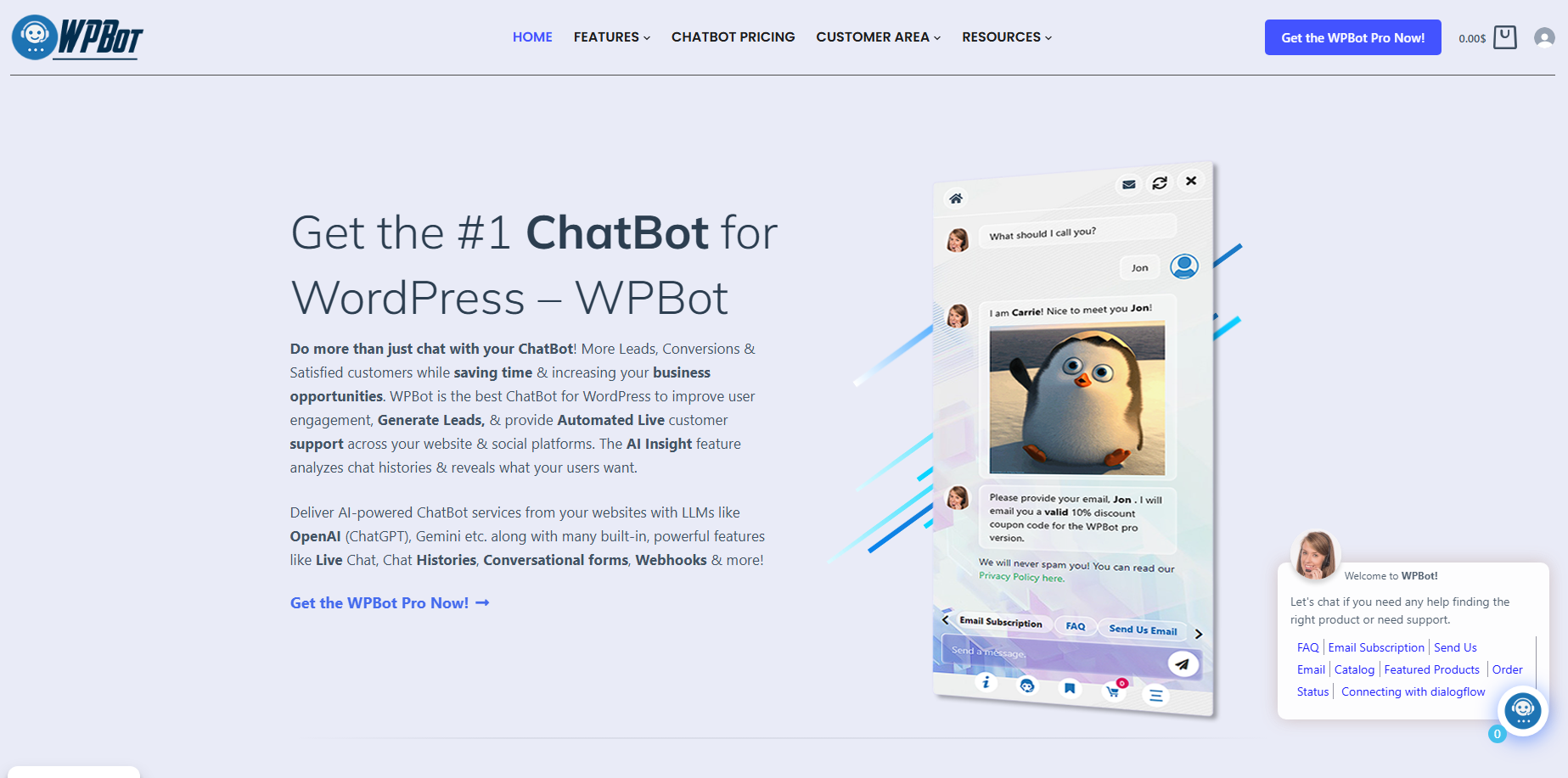
For WordPress sites (especially WooCommerce), WPBot delivers native performance others can’t match.
It lives inside your site, so it loads fast and keeps data private. Hybrid AI + rules mean accurate answers plus natural conversation. Deep WooCommerce tools handle product search, order tracking, cart recovery, and more.
Key advantages:
- Predictable pricing (Pro + your own AI key)
- Full control on your server
- Strong WooCommerce integration
- Easy setup for beginners
WPBot vs Other Chatbot Options: Quick Comparison
| Feature | WPBot (Native) | SaaS Tools (Tidio, etc.) | Winner |
| Loading Speed | Very Fast | Slower (external) | WPBot |
| Data Privacy | On your server | Third-party servers | WPBot |
| WooCommerce Depth | Excellent | Good | WPBot |
| Cost at Scale | Predictable | Can rise quickly | WPBot |
| Customization | High | Medium-High | WPBot |
| Hybrid AI + Rules | Strong | Mostly AI | WPBot |
Real-World Use Cases That Drive Sales
E-commerce Stores Product discovery, stock checks, size guides, and conversational checkout. One clothing store saw 25% higher conversions after adding size recommendation flows.
Service Businesses Appointment booking, quote requests, and lead qualification. The chatbot filters serious prospects and books calls automatically.
Content Sites & Blogs Recommends related articles, captures newsletter signups, and turns readers into customers for digital products or services.
Membership & Course Sites Answers common questions and guides visitors to enroll.
Step-by-Step: How to Set Up a Converting Chatbot
- Choose the right tool (WPBot for most WordPress users).
- Install and activate the plugin.
- Connect your AI key (OpenAI, Gemini, etc.).
- Build core flows: Welcome message, product finder, FAQ answers.
- Add triggers (exit intent, time on page, specific URLs).
- Connect to WooCommerce for product and cart features.
- Customize design to match your brand.
- Test thoroughly, then launch.
- Monitor analytics and improve weak areas.
Most people see results within the first week.
Advanced Tactics for Even Higher Conversions
- Use exit-intent triggers to catch leaving visitors.
- Enable proactive messages on key pages like product or checkout.
- Add conversational forms for lead capture.
- Train the bot on your own content for accurate answers.
- Combine with knowledge base articles for self-service.
- Set up human handoff for complex queries.
Common Mistakes That Kill Chatbot Results
- Making it too salesy too soon
- Poor mobile experience
- No clear escalation to human support
- Ignoring analytics
- Using a slow external widget
Avoid these and your chatbot becomes a revenue machine.
Pricing: What Should You Expect?
Free versions exist for basic testing. Premium plans for serious stores usually start low and scale with features. With WPBot, you control AI costs by bringing your own key, keeping long-term expenses predictable.
Most users report full payback within 1-3 months through extra sales alone.
How to Measure Success
Track these metrics:
- Conversion rate with vs without chatbot
- Cart recovery rate
- Number of leads captured
- Support tickets reduced
- Average order value
Good tools give you built-in analytics.
FAQs About Website Chatbots
Will a chatbot annoy my visitors? Not if designed well. Helpful, optional chat feels like great service, not interruption.
Do I need technical skills? No. Modern WordPress plugins like WPBot work with simple point-and-click setup.
Is it secure? Native plugins keep data on your server. Follow basic WordPress security practices.
Can it work with my existing store? Yes — especially WooCommerce. It integrates deeply with products, orders, and customers.
What’s the ROI like? Many businesses see 148-1000% ROI in the first year through higher sales and lower support costs.
Ready to stop losing visitors? Check out WPBot or similar strong options and start turning traffic into revenue today.
A chatbot isn’t a magic button, but when done right, it’s one of the highest-ROI additions you can make to your WordPress site in 2026.
Stop watching visitors leave confused. Give them instant help and guidance instead. Your sales numbers will show the difference quickly.
Conclusion
A smart chatbot turns silent website visitors into engaged leads and paying customers — often within days of installing it.
It works 24/7, answers questions instantly, recommends products, recovers abandoned carts, and builds trust while you focus on growing your business.
If you’re tired of watching traffic leave without buying, stop leaving money on the table. Install a powerful WordPress chatbot like WPBot today and start converting more visitors into real revenue.
One small addition to your site can deliver big results. Don’t wait — the longer you delay, the more sales you’re losing.


Leave a Reply